Brand Identity Guidelines: What Belongs in Your Brand Guide
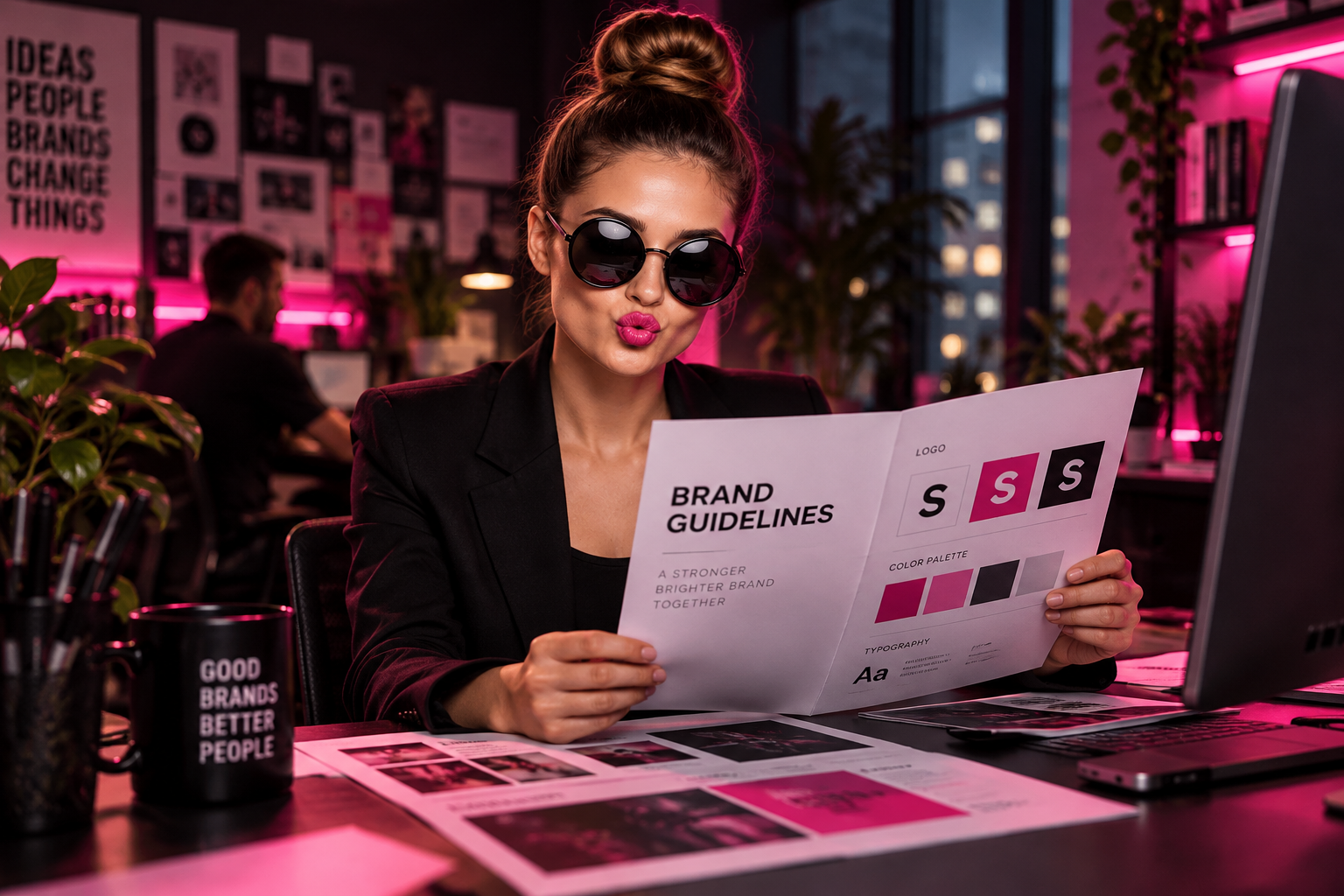
Your brand identity guidelines should help people make good decisions without calling you every time they need a flyer, presentation, or social post. If your guide only contains a logo and three color swatches, it leaves too much to guesswork. A useful guide turns your identity into a working system that employees, freelancers, and vendors can actually follow.
What Should Brand Identity Guidelines Include?
A brand guide documents how your business looks, sounds, and presents itself. For a small or mid-sized company, the goal is not a giant corporate manual. It is enough clarity to keep everyday work consistent while leaving room for different formats and audiences.
Start with these essentials:
- A short explanation of your brand positioning and personality.
- Logo variations, usage rules, and approved files.
- Color specifications and accessible combinations.
- Typography choices and hierarchy.
- Photography, illustration, and graphic element rules.
- Voice, messaging, and real-world examples.
- Templates, asset access, and approval responsibilities.
Cover the channels you use now first. A local contractor needs clear rules for truck graphics, estimates, and uniforms more urgently than a custom animation system.
Start With the Business Behind the Look
Give readers a short explanation of who you serve, what you help them accomplish, and why they should choose you. This keeps design decisions connected to the business instead of personal preferences.
Include a positioning statement, your customer promise, and three or four personality traits. Make those traits actionable. “Approachable” might mean plain language, candid team photography, and layouts that are easy to scan. “Premium” needs more direction than “make it look expensive.”
Also explain what the brand is not. A business can be confident without being aggressive, playful without being childish, or technical without being difficult to understand. Those boundaries help people make better judgment calls.
Make Logo Rules Specific Enough to Use
Your logo section should show the approved primary logo, alternate arrangements, standalone symbol if applicable, and one-color versions. Label where each belongs. A horizontal logo might work on a website header while a compact version fits a social profile.
Document the practical limits
- Clear space: Define the empty area around the logo using a measurable part of the mark, such as the height of a letter.
- Minimum size: Set tested minimum widths for digital and print use, especially when a tagline is included.
- Backgrounds: Show approved light, dark, and photographic backgrounds.
- Misuse: Show examples of stretching, recoloring, adding effects, or placing the logo over distracting images.
Include a file map, too. Explain which SVG files suit websites, which transparent PNGs work in everyday documents, and which vector files vendors should use for print production. Embroidery and small promotional items may need simplified artwork, not a smaller copy of the main logo.
If your current logo cannot handle these situations, the issue may be the identity itself. Our guide to the logo design process explains why a usable system matters more than a single finished mark.
Specify Colors and Typography Beyond the Basics
Color rules should prevent guesswork
List primary, secondary, and neutral colors with their intended roles. Which color leads? Which is reserved for calls to action? Can secondary colors appear together? A palette without usage rules can produce wildly different results.
Provide HEX and RGB values for screens, plus production-ready print specifications agreed on with your designer or printer. CMYK output varies with materials and printing conditions, so physical proofs matter when color accuracy matters.
Show approved text-and-background combinations. Do not assume every brand color works for readable text. The web.dev guide to color contrast explains accessibility requirements, including the usual minimum contrast ratios of 4.5:1 for normal text and 3:1 for large text.
Typography needs a hierarchy and a fallback
Name the fonts, approved weights, and roles for headings, body copy, captions, and buttons. Include examples that show scale and spacing, not just the alphabet displayed in each font.
Specify fallback fonts for email, office documents, and systems where custom fonts are unavailable. Record where approved font files live and which licenses cover their use. The Google Fonts FAQ provides licensing information for its library; do not assume fonts obtained elsewhere have the same permissions.
Define the Visual World Around Your Logo
Photography and supporting graphics often occupy more space than the logo. Without direction, one campaign looks polished and industrial while the next looks like a generic stock-photo brochure.
Describe subjects, lighting, composition, cropping, and editing. For a service business, that might mean real employees at actual job sites, natural expressions, and room in the frame for headlines. Include examples of what to avoid, such as staged handshakes or heavy filters.
Set rules for icons, patterns, illustrations, borders, and shapes. If you use AI-generated imagery, define acceptable uses and review requirements. Never let a generated image imply that a fictional employee, facility, or completed project is real.
This is where logos and branding work becomes a complete identity system: the parts reinforce one another instead of competing for attention.
Give Your Team Words They Can Actually Use
A visual guide cannot prevent five departments from describing your business five different ways. Include a short company description, approved service names, a core value proposition, and any tagline rules.
Then show voice in action. Instead of saying “be friendly,” compare “Please submit an inquiry for further assistance” with “Tell us what you need help with.” Examples make tone easier to apply.
Explain how tone changes by situation. Social posts can be lively; an apology for a missed appointment should be direct and respectful. Identify claims that require evidence or approval, especially promises about savings, performance, or guaranteed results.
Build Templates, Then Assign Ownership
Rules become useful when people can start from approved materials. Prioritize templates for your most repeated work: proposals, presentations, email signatures, social posts, business cards, or sales sheets.
Test the guide by giving someone outside the design process a common task. Ask them to create a one-page flyer using only the guide and supplied files. Wherever they hesitate, the documentation needs work.
Keep one shared asset library with clear filenames, a visible version date, and archived outdated files. Assign one person to maintain it, plus a backup. Define which work needs approval and which can ship using an approved template. Review the guide when services, channels, or positioning change, rather than letting small exceptions become unofficial rules.
The Smash Take
A brand guide earns its keep when it reduces rework and helps your business show up consistently. Build clear rules, supply usable files, and make the right choice the easy choice.
If your identity looks different every time someone touches it, more policing is not the answer. A stronger system is. Start a conversation with Smash about turning your logo and scattered assets into a brand your team can confidently use.
Frequently Asked Questions
What is the difference between a logo and brand identity guidelines?
A logo is one identifying mark for your business. Brand identity guidelines explain how that mark works alongside colors, typography, imagery, and messaging. They also document practical rules, such as minimum logo sizes and approved backgrounds, so employees and vendors can create materials that feel like they come from the same company.
How long should brand identity guidelines be for a small business?
There is no required page count. Your guide should cover the decisions people repeatedly face without burying them in unnecessary detail. Start with positioning, logo rules, colors, typography, imagery, voice, and asset access. Add examples for your busiest channels, then expand the guide when real questions or new production needs expose gaps.
Which logo file formats should a brand guide include?
Include approved vector files for scalable production, SVG files for suitable digital uses, and transparent PNG files for everyday documents and presentations. Provide full-color, one-color, and reversed versions where needed. Label each file by its intended use, and ask print or embroidery vendors about their specific production requirements before sending artwork.
Should brand guidelines include writing style and tone of voice?
Yes. Consistent visuals cannot compensate for conflicting descriptions of your business. Include an approved company description, service names, key messages, and examples of preferred wording. Explain how tone changes between marketing, customer support, and sensitive situations. Keep the guidance concrete enough that someone writing an email can apply it immediately.
How often should a business update its brand guidelines?
Update the guide whenever a meaningful change affects how the brand is used, such as a new service, logo variation, website, or production requirement. Review recurring questions and exceptions periodically as well. Give one person ownership, display the current version date, and archive obsolete files so your team does not accidentally use them.
How can I tell whether my brand guide is actually usable?
Give an employee or freelancer a routine assignment, such as creating a flyer, using only the guide and approved assets. Note where they need clarification or make inconsistent choices. Improve those sections and repeat the test. A usable guide should reduce guesswork and revision rounds without requiring a designer to supervise every task.
Ready to Smash It?
Let's turn your brand into something unforgettable. Get in touch with our team today.